Accounting Process:
To play around with Accounting, you can use Demo account as below:
https://app.translane.ca/
Username: demo
Password: Demo@111
AR Credit Note:
If Invoice is already posted and books are done and if we need to decrease pricing in later date then we need to create a credit note in case AR. Below is the screen to do so: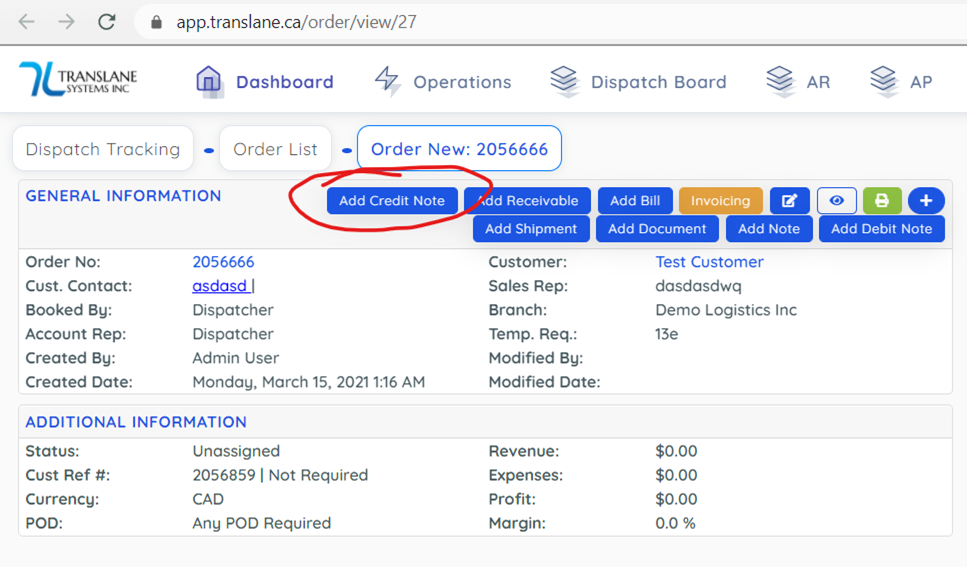
AR Debit Note:
If Invoice is already posted and books are done and if we need to increase pricing in later date, then we need to create a debit note in case AR. Below is the screen to do so: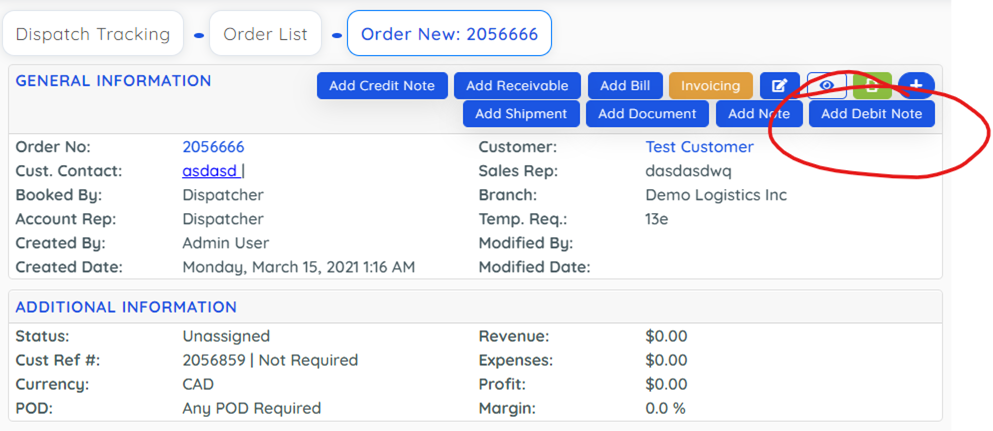
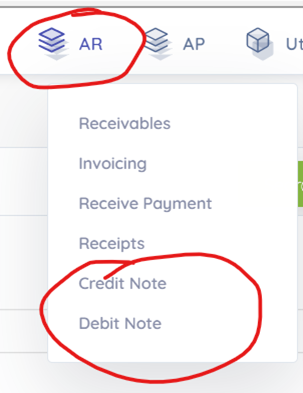
From below screens you can see all created AR - Credit Note and Debit Notes:
AP Debit Note:
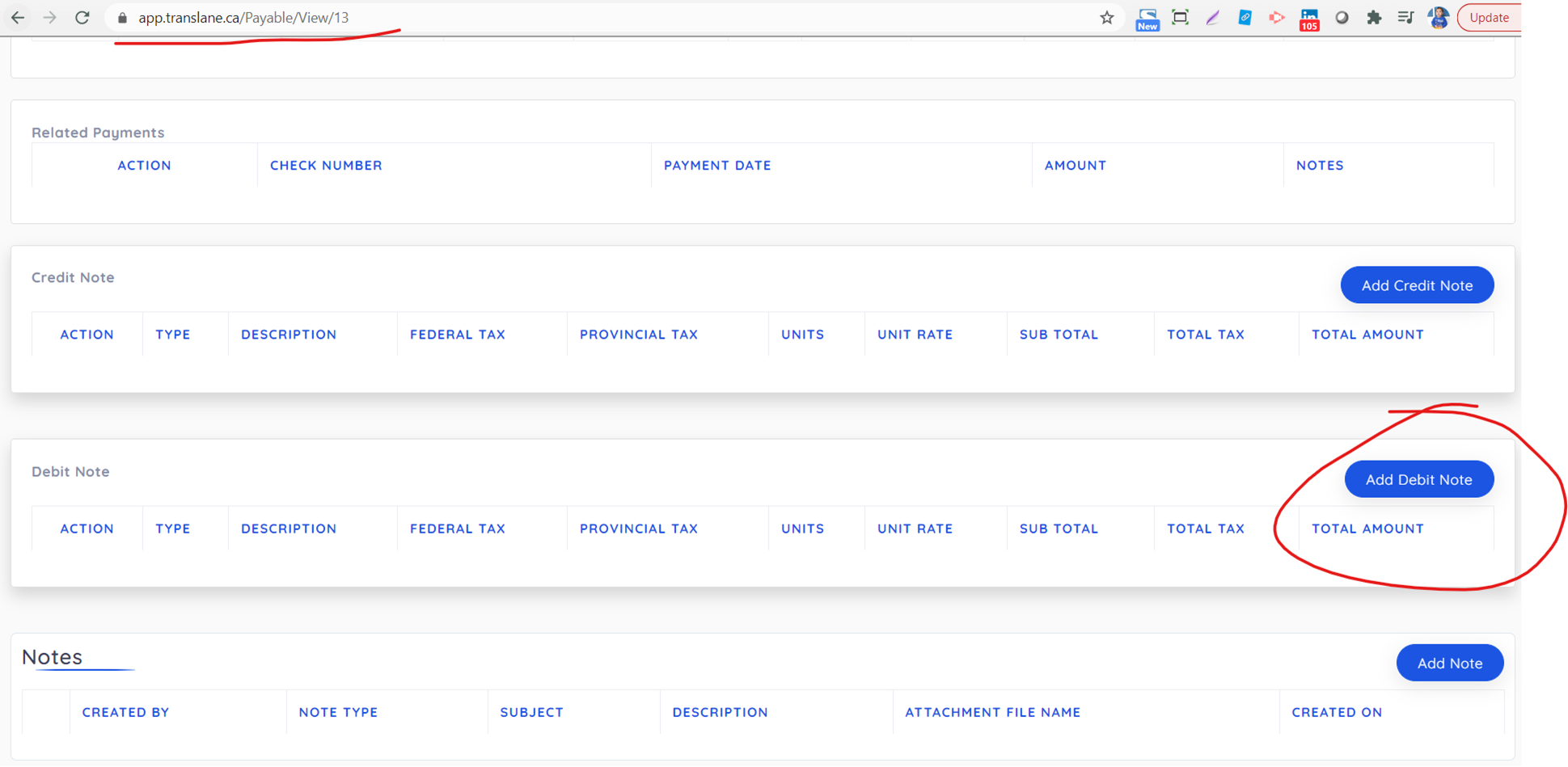
If Bill is already posted and books are done and if we need to decrease cost in later date, then we need to create a debit note in case AP. Below is the screen to do so:
AP Credit Note:
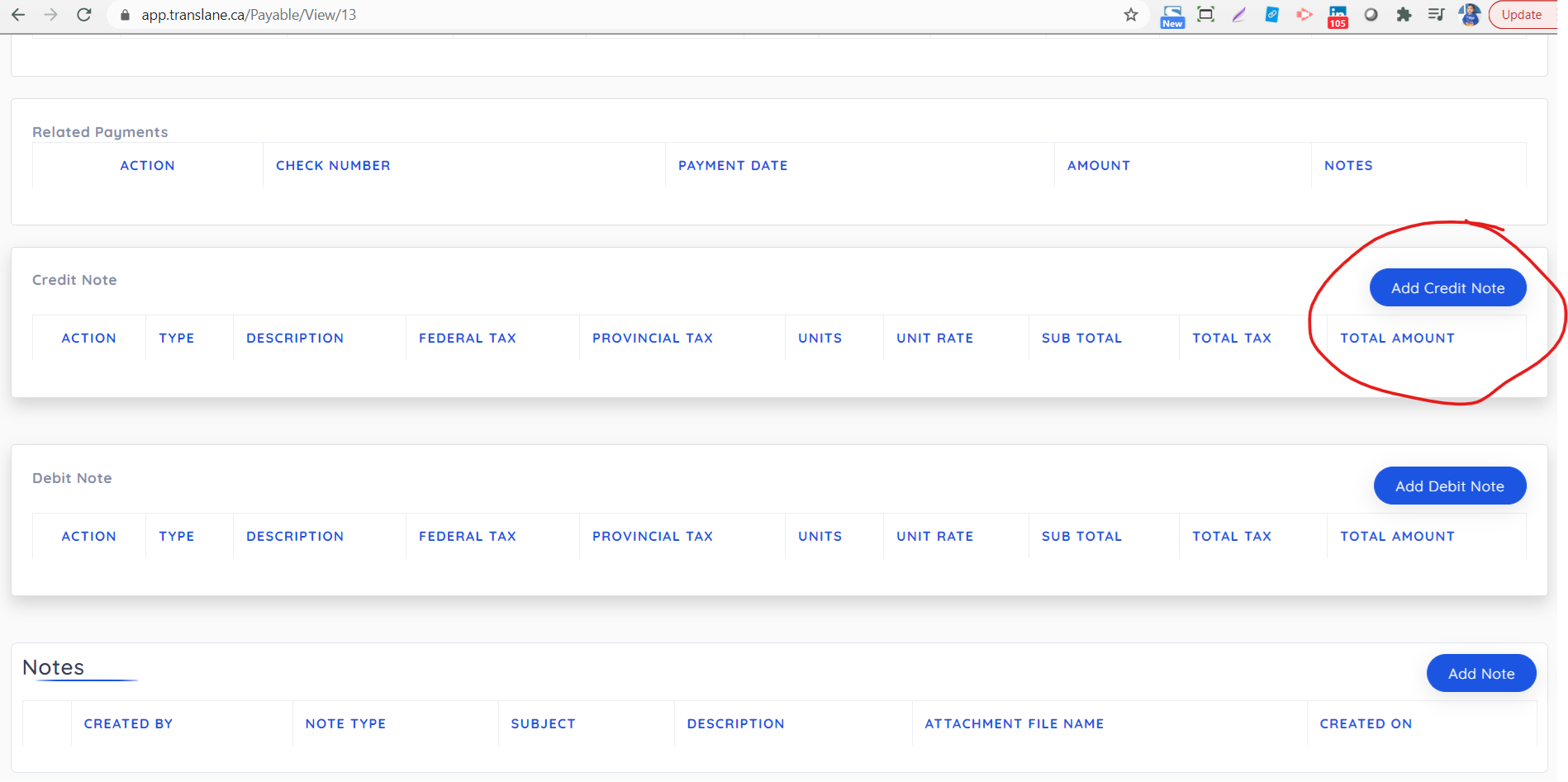
If Bill is already posted and books are done and if we need to increase cost in later date, then we need to create a debit note in case AP. Below is the screen to do so:
From below screens you can see all created AP - Credit Note and Debit Notes:
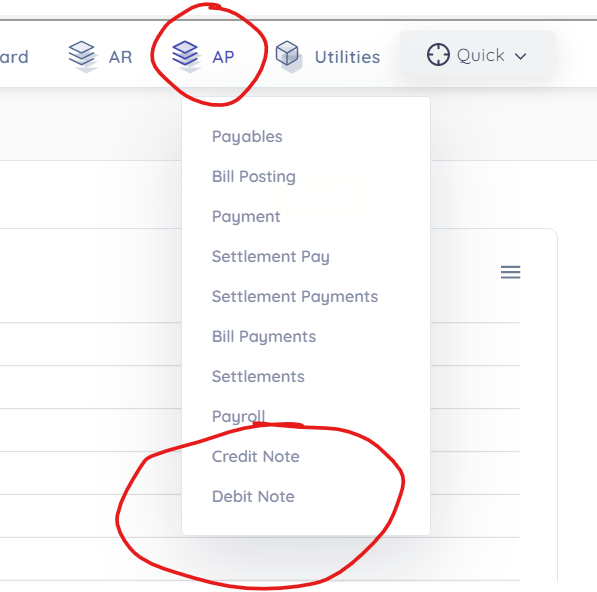
Chart Of Accounts:
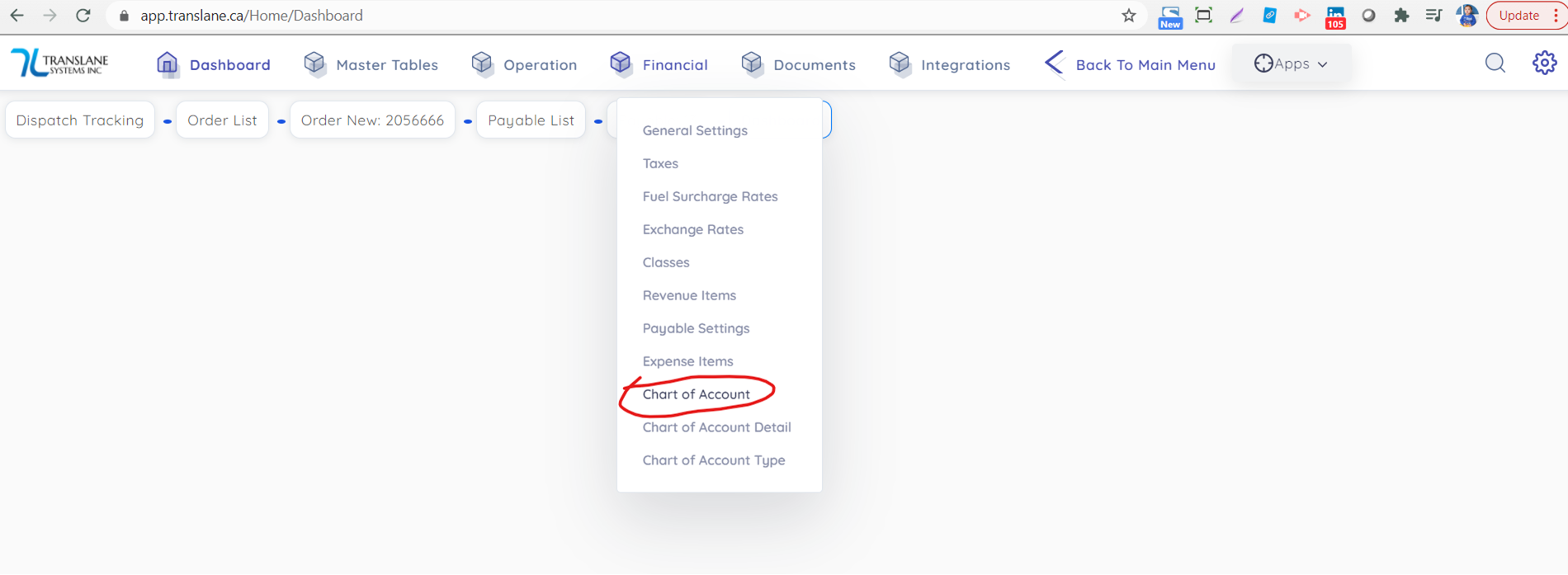
Chart of accounts can be created from screen below under master entries:
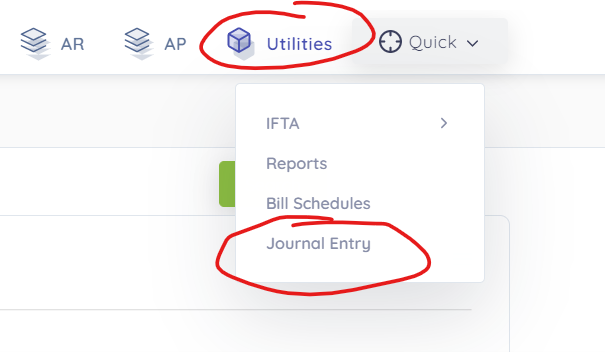
Journal Entry:
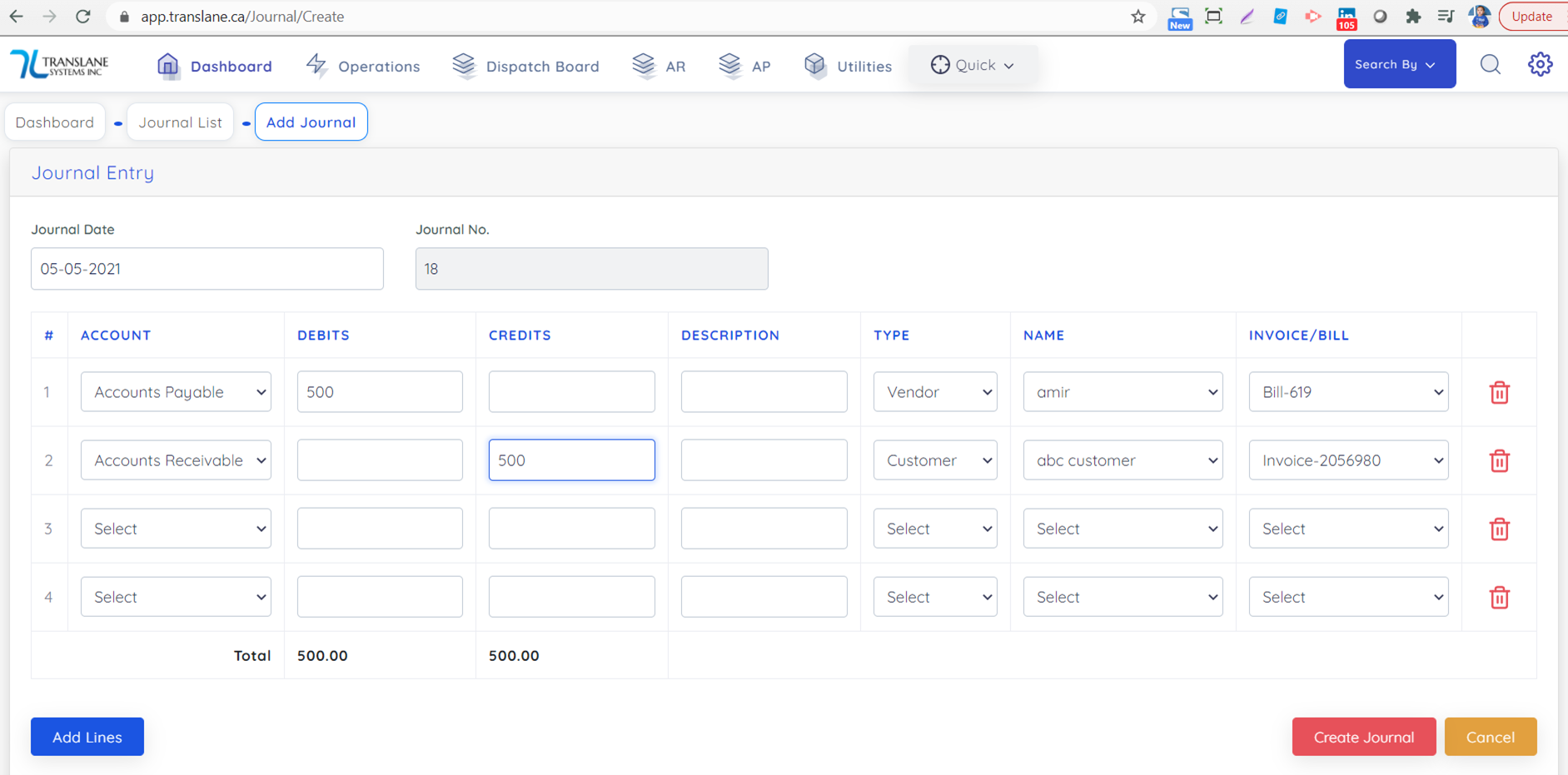
Journal Entry can be used for several purposes including entry for Opening balance, adjusting AR and AP invoices etc. Below is the screen to create entries:
Below is an example of Adjustments of AP and AR:
You need to select options similar to below screen and it can only be created if total debit is equal to total credit.